

Firefighter Accountability Tags That Work on Scene
Track personnel, organize crews, and maintain command visibility with durable tags built for real fireground use.
How Accountability Tag Systems Work
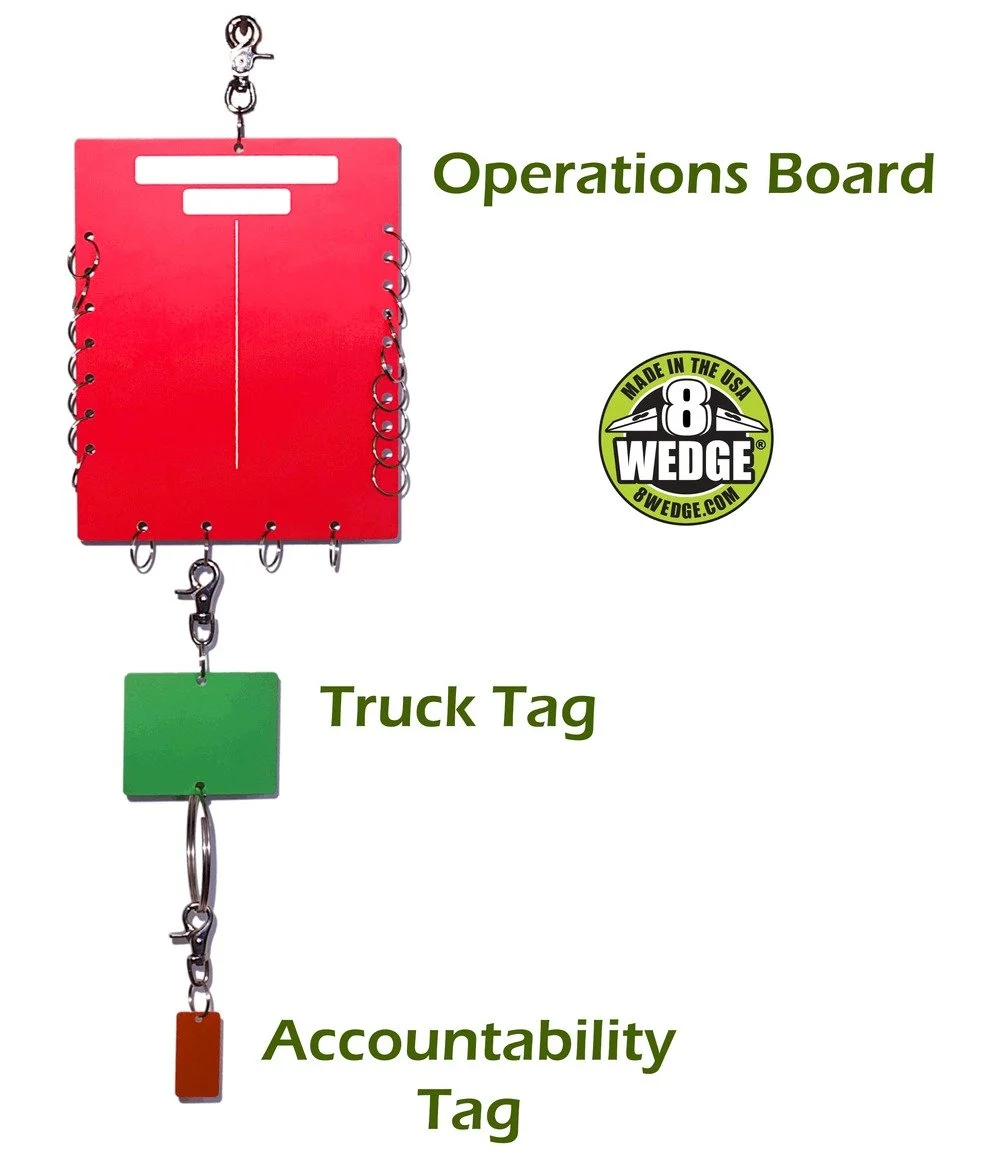
• Accountability Tags — identify individual firefighters
• Truck Tags — organize crews by apparatus
• Operations Boards — give command a clear overview
Apparatus Tags - group personnel by crew, unit or assignment
Build Your Accountability Setup
Start with the tags your department needs, then add apparatus tags and boards as your system grows.
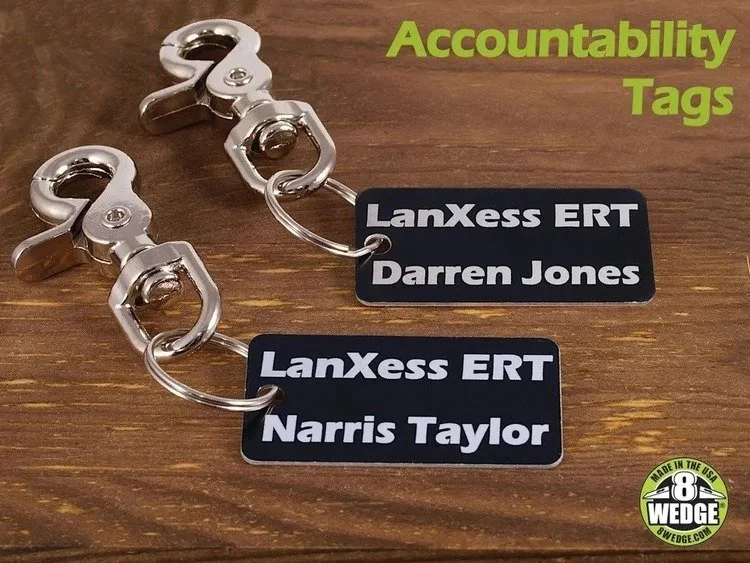
Accountability Tags
Custom firefighter accountability tags for individual personnel identification
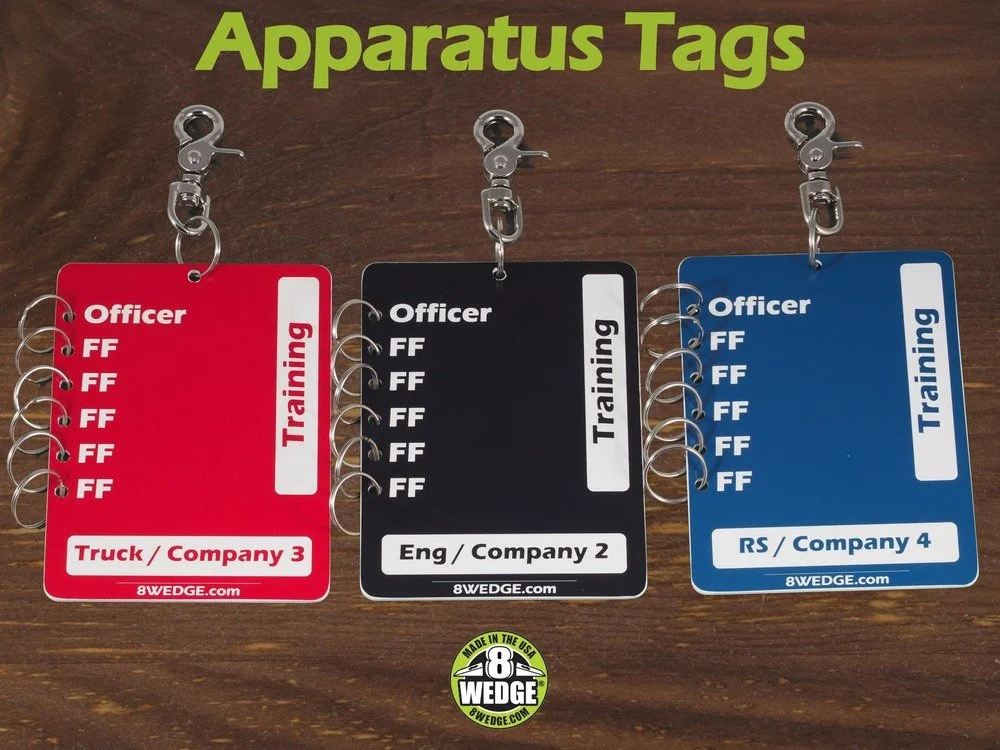
Apparatus Tags
Group personnel by apparatus or unit for faster tracking on scene.
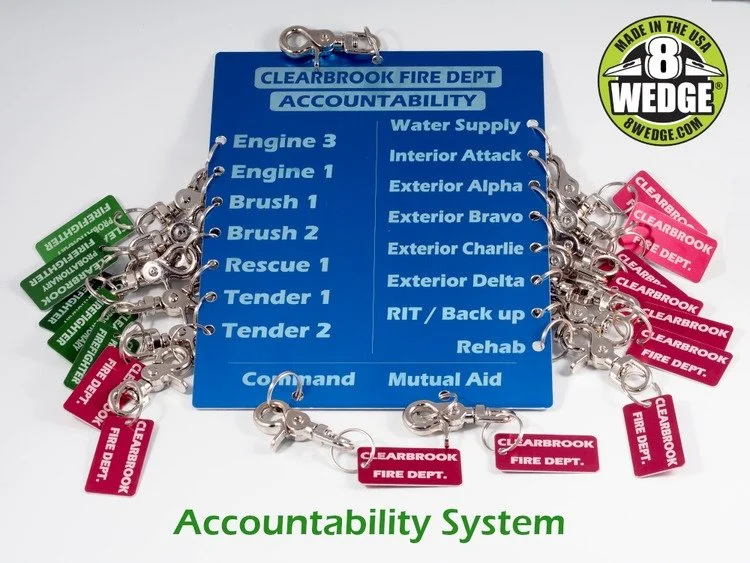
Operations Boards
Organize crews and assignments with a clear command board system.
Build a Simple Accountability System
Start with individual accountability tags, then add apparatus tags and command boards to match how your department tracks crews on scene.
Choose the Right Setup
Start with individual firefighter tags if you need reliable personnel identification. For full department rollouts or larger orders, use Bulk Accountability Tags to keep layouts, colors, and engraving consistent across your team.
Add apparatus or truck tags if you want to group crews by unit, station, or assignment.
Use operations boards when command needs a central place to track personnel, apparatus, and assignments.
Standardization and Reordering
We can match colors, layouts, and department naming formats so your tags stay consistent across future orders.
Once your layout is established, additional tags can be reordered with matching formatting, engraving, and hardware.
Simple Ordering
Choose the tag style, enter your personalization, and we’ll format everything for production.
Need help matching an existing setup? Contact us before ordering.
Ready to Build Your System?
Start with custom accountability tags or contact us if you need help matching an existing department setup.